

Say it now. Make sense of it later.
Catch the thought before it goes. Nave turns your spoken words into a note you can scan, act on, and find again.

Free to download. No account. Made for iPhone.
A little example
From a passing thought to a next step.
On your mind · After a visit
“That kitchen felt so much lighter. No cupboards over the worktop. I should measure our window wall on Saturday.”
Captured in your words
No heading needed. Just the thought.
Speak naturally. Your written note saves on the iPhone before AI runs.
A little structure · Easier to return to
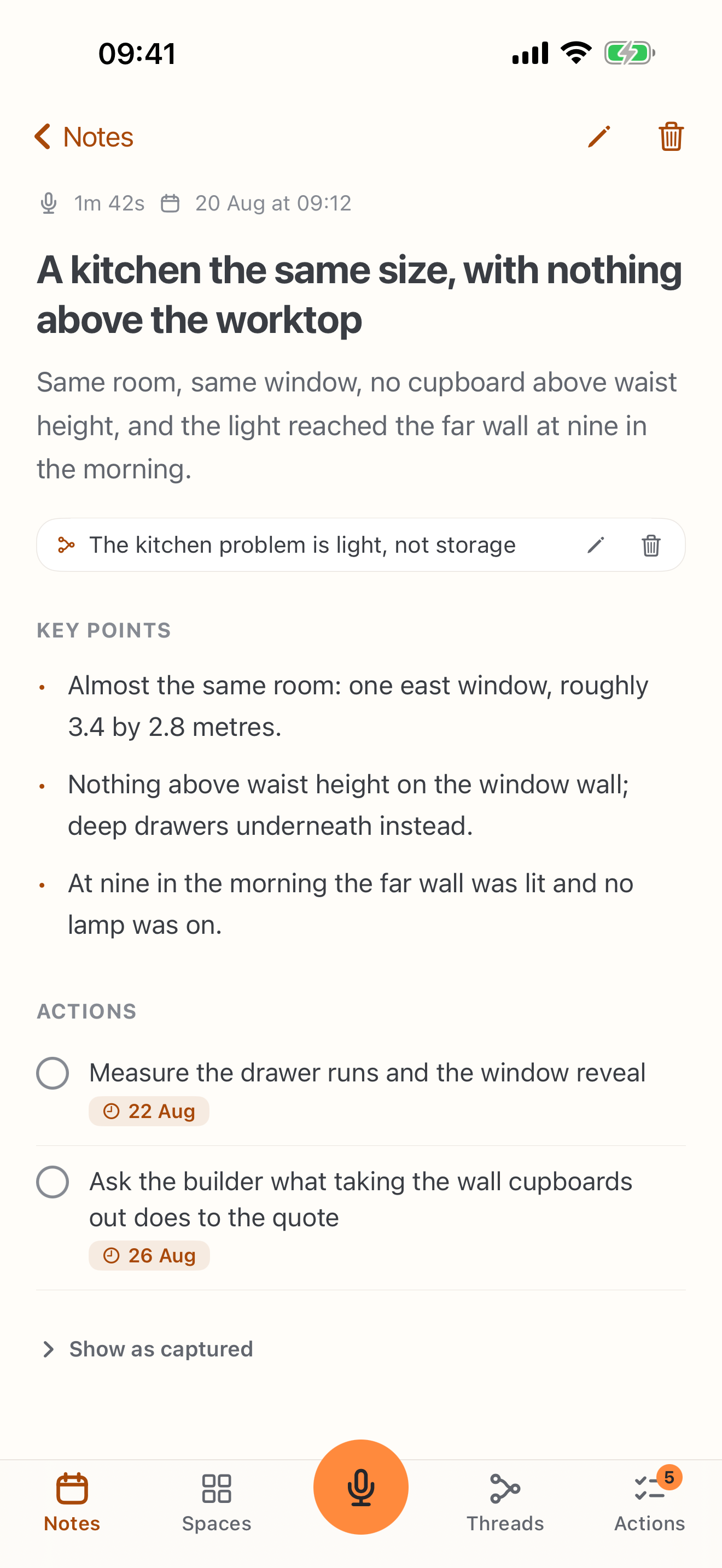
“No cupboards over the worktop. Same room, more light.”
An example AI summary
A brighter kitchen, without more space.
A title, a short summary and the key points make the thought easier to scan.
A next step · From your own words
“I should measure our window wall on Saturday.”
An action to come back to
Measure the window wall.
When reminders are enabled, Nave can offer to add a recognized time to Reminders.
Illustrative notes. Choose a step to see the idea take shape.
A thought worth keeping
Less to untangle. More to come back to.
Voice notes for iPhone that become useful written notes. The observation, the important details and the next step — together.
Let the words come first.
Hold the capture button to talk, or tap to type. You don't have to compose a perfect note.
Find the useful parts quickly.
With AI enabled, Nave adds a title, summary and key points. Commitments you mention can become actions.
Continue the thought tomorrow.
A related note can join the same thread. Your next observation picks up the story instead of starting from scratch.
A place to begin
For the thoughts that won't wait for a keyboard.
An idea after a conversation. An observation on the way home. A next step you don't want to forget. Say it while it is fresh.
One thought is enough to start. Add another when you learn something new.
Want to see what happens next? Follow how Nave automatically organizes related notes, or read why Nave was built.
Want the practical steps? Follow Turn voice notes into action items.
Good to know
A few answers.
Then, your first note.
A quick capture should feel simple. The details should be clear, too.
How do I capture a voice note?
What works offline?
Does my recording leave my iPhone?
Can I keep my notes without Nave?
Will the summary always get it right?
Is it free, and which devices work?
Your next thought belongs here
Start with a note.
That thought you keep meaning to write down? Start there.
iPhone · No account needed · Check compatibility